

First request
The list is empty because nothing asks the API for todos. Let's fix that. By the end of this chapter three todos are on screen, and every filter works.
In WarpDrive you don't ask for a model. You describe a request (a URL and some options) and hand it to the store, which every request goes through. The store returns a Future right away: a promise that also knows whether it's loading, done or failed. It resolves to a document, the whole response, with the records you asked for in its data. The store keeps what it receives in its cache, and the records are reactive: templates showing them update when the cache changes.
Request the todos
The route for the main list, app/routes/index.ts, returns an empty model. Have its model() hook ask the store for the todos:
model(): { todos?: Future<TodosDocument> } {
  return {
    todos: this.store.request<TodosDocument>({ url: '/api/todo' }),
  };
}
The route doesn't wait for the response. It hands the Future to the page, which decides what to show while it loads.
TodosDocument is the response's type. The starter defines it in app/data/schemas/todo.ts as ReactiveDataDocument<Todo[]>: a document whose data is a list of reactive todos. For now you pass it by hand; in chapter 3 the request carries its own type.
The Active and Completed pages have routes of their own. Have each ask for its part of the list:
// app/routes/active.ts
todos: this.store.request<TodosDocument>({ url: '/api/todo?filter[completed]=false' }),

// app/routes/completed.ts
todos: this.store.request<TodosDocument>({ url: '/api/todo?filter[completed]=true' }),
That's the same request three times, with the URL and the type spelled out in each. Chapter 3 fixes that.
Render the response
The Future reaches app/components/todo-app/todo-provider.gts as @todoFuture, and its template renders nothing yet. Render the Future with a <Request> block:
<Request> takes the Future and renders <:loading>, <:content> or <:error>, depending on where the request is. The todos are content.data. The two @autorefresh arguments refetch in the background when the store marks the response out of date, which chapter 4 relies on.
Without WarpDrive, every component that fetches tracks its own loading and error state. Here the Future carries that state, and <Request> renders it.
Check it
Reload. Three todos. Click Active, then Completed: each shows its part of the list.
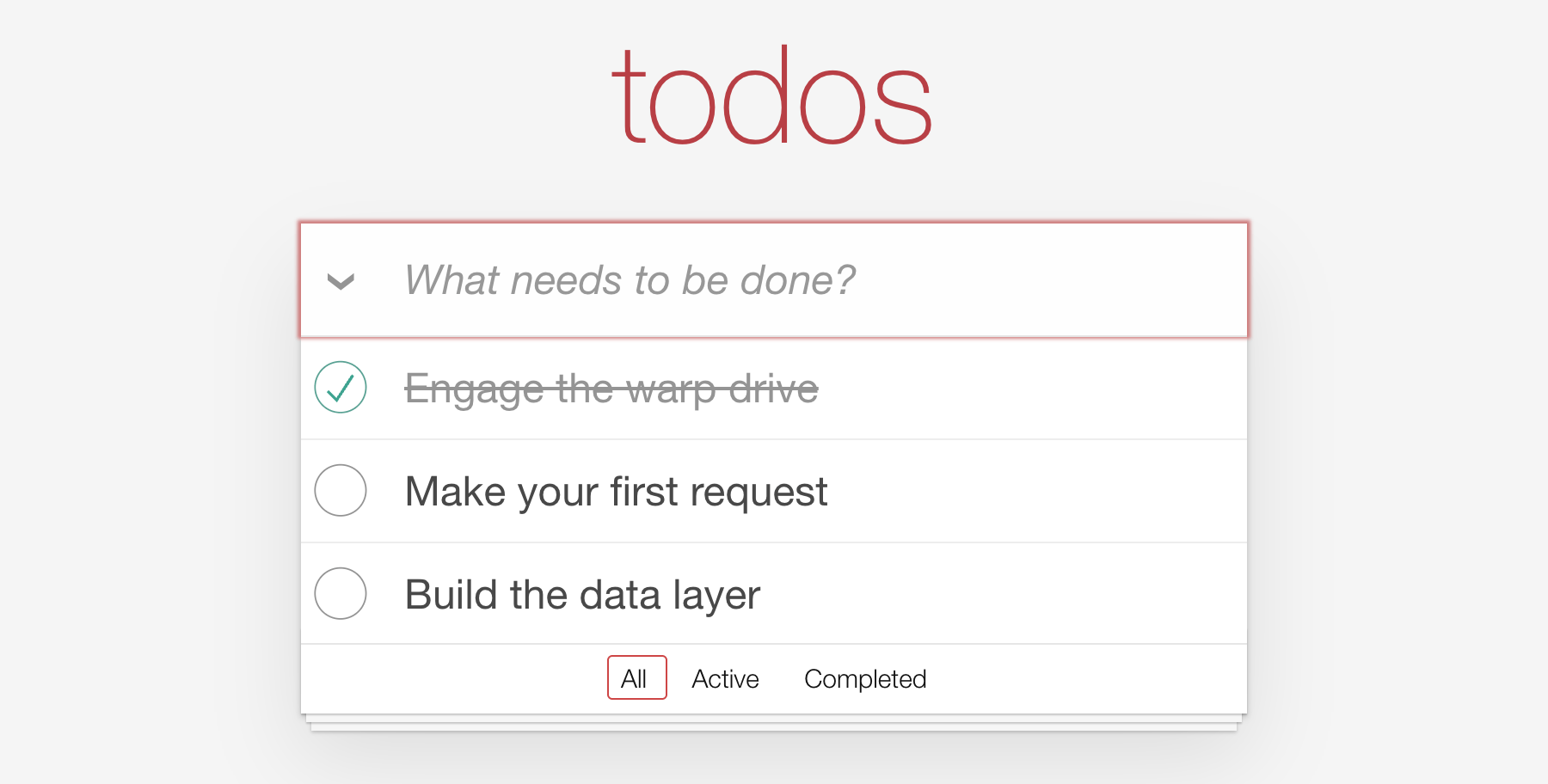
The footer's count and "Clear completed" are still empty, and nothing saves yet. Each chapter adds a piece.
Next, a short look at why that took so little code.